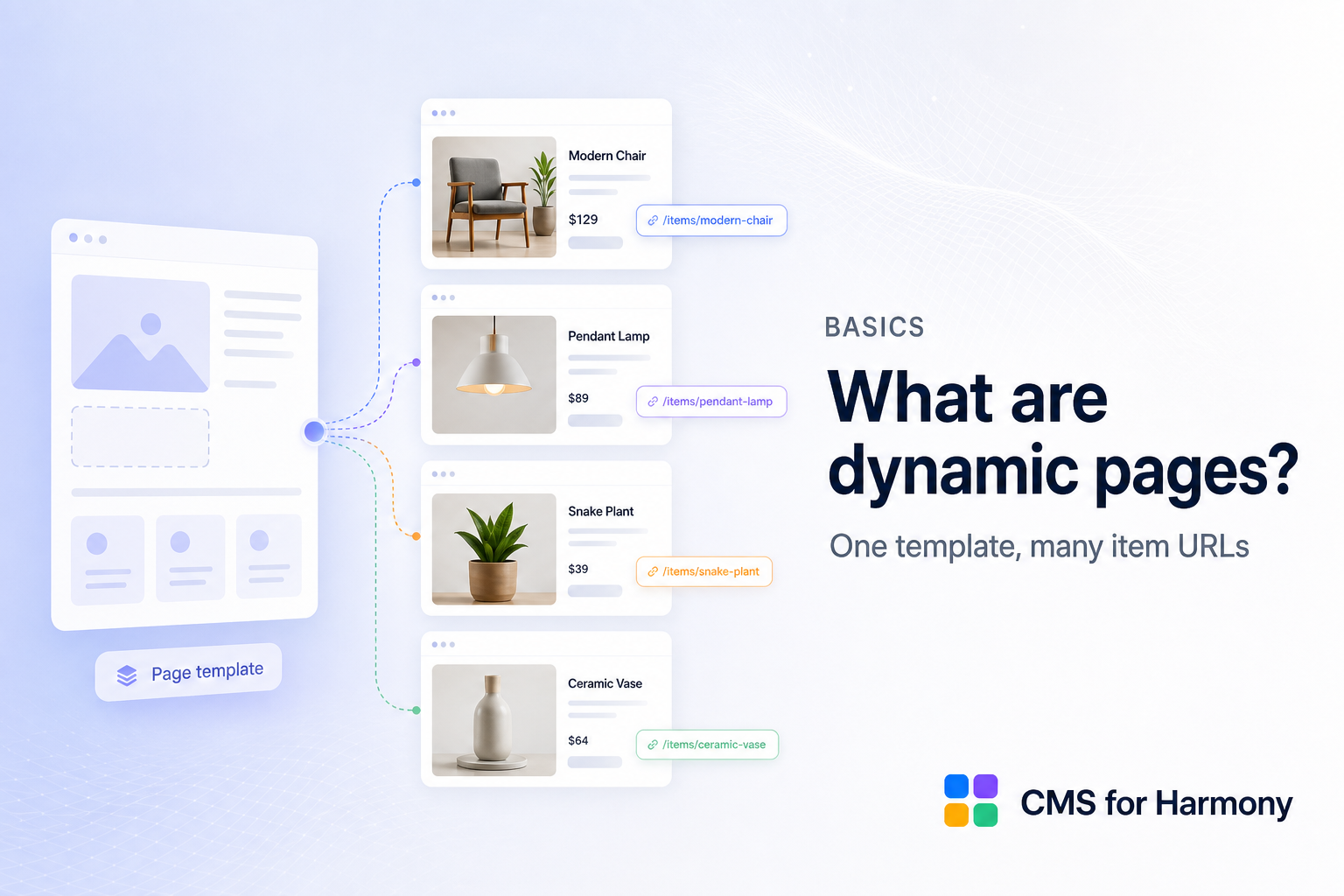
項目頁面用一個版面範本顯示許多項目,每個項目有自己的網址——例如同一個設計產生 /fruits/apple 與 /fruits/pear。
為什麼重要
沒有項目頁面時,訪客只看得到清單。有了之後,每個產品、人物或活動都能分享、被搜尋引擎索引,並從連結開啟。
在 CMS for Harmony
用 Wix 建立頁面:開啟集合並選擇 More actions → Add collection page。該原生頁面就是範本。放入 Dynamic Page 小工具,將 Page path 設成頁面路徑,並將 Page link field 設成 Item slug。Repeater、Table、Slideshow、Media Gallery 與 Calendar 的連結使用相同路徑與欄位。見 Create a native Wix dynamic page。
造訪 /fruits/apple 或 /fruits/pear 會載入同一頁;小工具讀取網址並顯示相符的集合項目。
- 為集合新增原生頁面。
- 加入 Dynamic Page 小工具並對應欄位/SEO。
- 可選擇從 Repeater、Table 與其他顯示元件連結。
- 另一個集合就再新增一個集合頁面。
較早版本已在網站上的 /item 頁面,仍可搭配相同小工具與連結使用。
完整設定:如何設定 Dynamic Pages。
相關
FAQ
What is a dynamic page?
A template that shows one CMS item based on the URL slug.
How does CMS for Harmony create them?
Prefer native Add collection page plus the Dynamic Page widget.
Can SEO fields come from the collection?
Yes — map per-item SEO on the Dynamic Page widget.