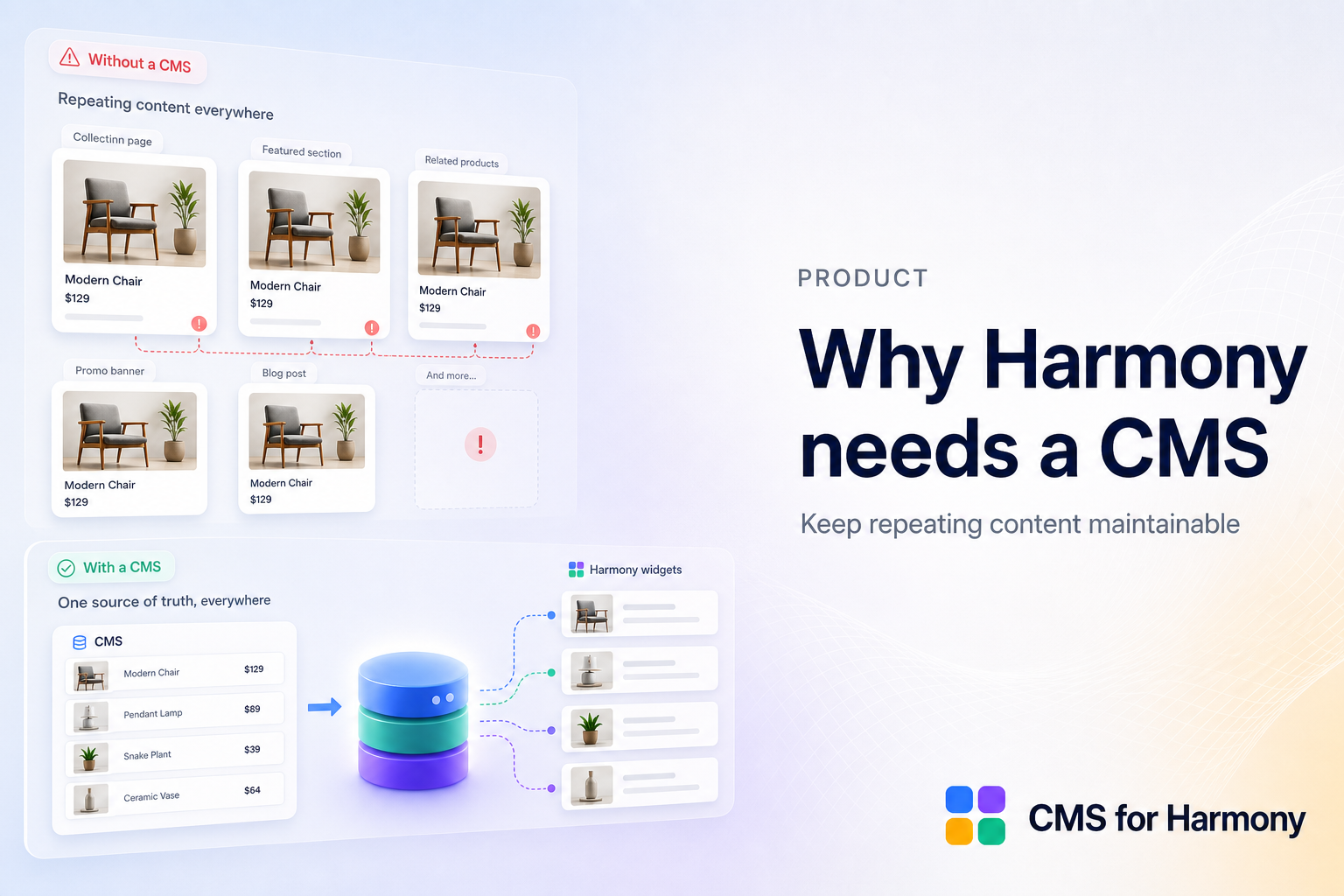
Harmony makes polished layouts fast. The pain starts when the same card design must be copied twenty times — or when a client asks to “just update the team page” every week.
The maintainability cliff
Hand-built repeats drift. Fonts disagree. Someone deletes the wrong image. There is no single source of truth.
What a CMS adds
- Structured items editors can update safely
- Displays that stay on-brand
- Optional item pages, search, filters, calendars, and forms
Where CMS for Harmony fits
It adds app widgets purpose-built for Wix CMS on Harmony — not native Text/Image/Button binding. That keeps the editor honest: design systems for static chrome, collections for repeating content.
Compare the built-in Harmony CMS model with the app in Native Harmony CMS vs CMS for Harmony.
Get started or install from the App Market.
FAQ
Why not only native Harmony CMS features?
Native patterns cover some cases; CMS for Harmony adds Table, Chart, Form spam tools, external databases, catalog payments, and more.
Does the app replace Wix CMS?
No — it displays and collects into Wix CMS (or Sheets/Airtable/Notion on supported widgets).