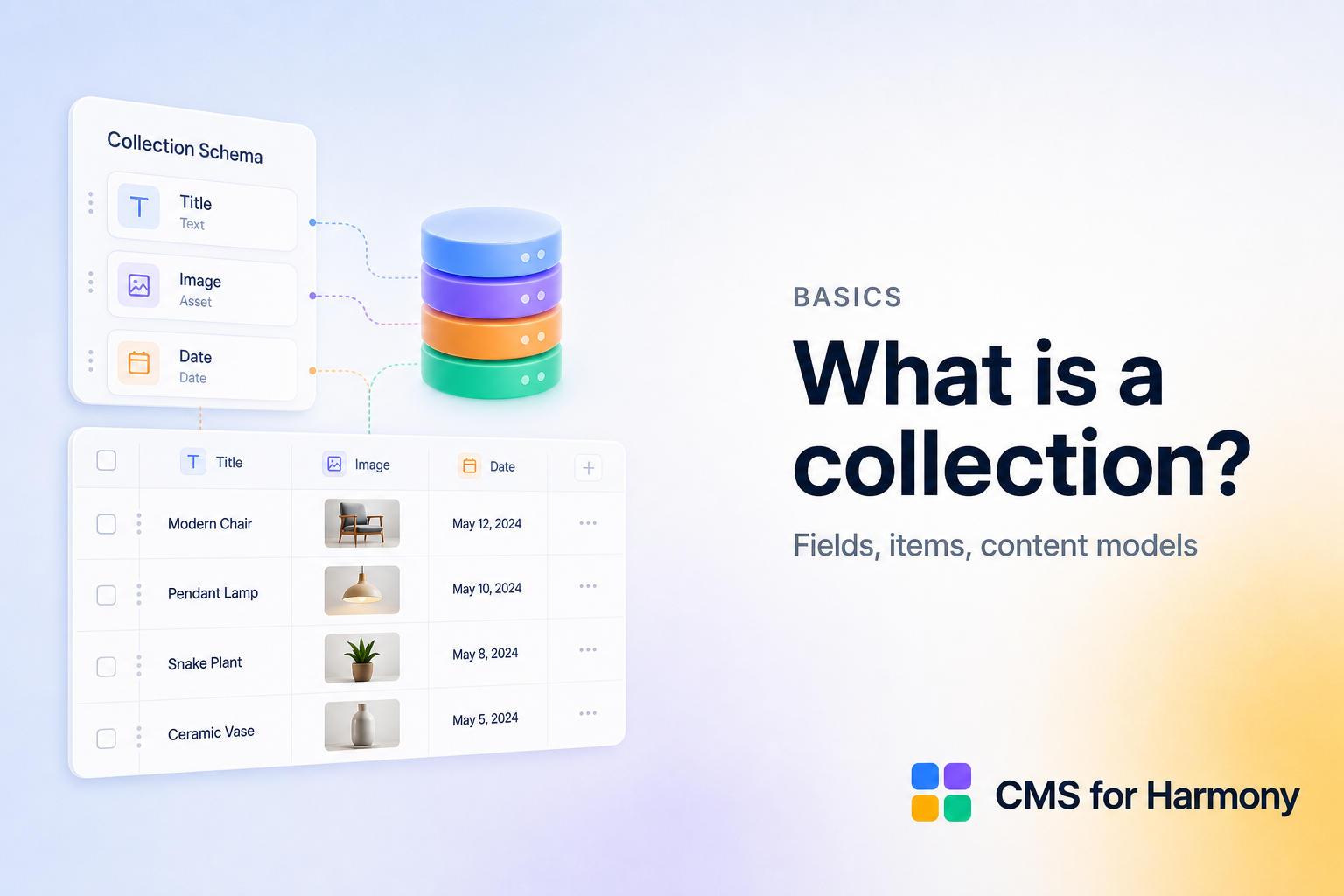
CMS コレクションは、似たコンテンツアイテムの構造化された一覧です — 型付きカラム、権限、ライブサイトへの接続を持つスプレッドシートのようなものです。
構成
| 概念 | 例 |
|---|---|
| Collection | Team |
| Fields | Name、Role、Photo、Bio |
| Item | 1行 — 「Alex, Designer」 |
良いモデルは焦点が定まっています。「Team」コレクションにブログ投稿も入れず、別コレクションを作ってください。
よく使うフィールドタイプ
テキスト、リッチテキスト、画像、メディアギャラリー、数値、日付/日時、boolean、およびプラットフォームによっては参照。フォームでは電話とギャラリーアップロードが重要です。
コレクションが表示を動かす
モデルができたら、ウィジェットがそれを照会します。
- Table — カラム
- Repeater — カード/グリッド
- Calendar — 日付フィールド
- Dynamic Page — URL ごとに1アイテム
- Form — 新しいアイテムを書き込み
関連
FAQ
What is a collection?
A table of items with typed fields (text, images, references, and more) that widgets can read or write.
Can I connect Google Sheets instead?
Yes on supported displays via External databases. Forms and Dynamic Pages stay on Wix CMS.
How do I create a collection in the app?
Open the CMS for Harmony dashboard and create a collection (or use AI setup’s one-click schema).