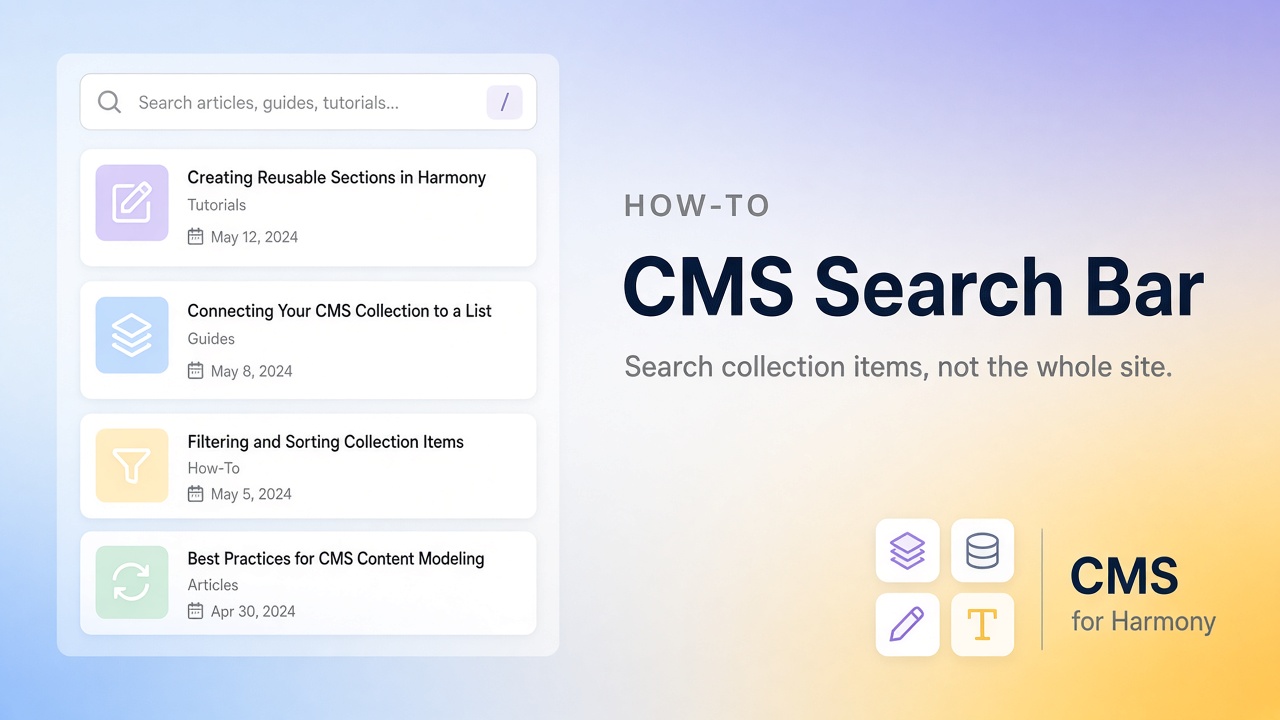
A CMS search bar lets someone type a few letters and watch a list shrink—find “Maria” in a staff directory, “Austin” in a listings page, or “brochure” in a resource library. That is different from site search, which looks for pages across the whole website.
This guide covers both the native path (mainly Studio / Editor) and the no-code widget path with CMS for Harmony, which works on Editor, Studio, and Harmony.
See also the Wix CMS Guide.
Site search vs CMS search
| Site search | CMS search | |
|---|---|---|
| Looks through | Pages and site content | Items in a collection display |
| Typical UI | Site-wide search box | Search field above a Repeater, Table, or gallery |
| Use when | Visitors hunt for pages | Visitors hunt inside a directory or catalog |
If your problem is “help people browse 80 team members,” you want CMS search.
Native options (Studio and Editor)
On Studio (and many Editor CMS setups), you connect a Repeater to a dataset, then attach input elements so visitors can filter. Dropdowns and similar controls for category-style fields are a well-documented no-code path in Wix’s CMS help.
A live keyword search box—type and filter as you go—usually needs a small amount of Velo (filter the dataset with something like contains on a plain text field). Rich text fields are a poor match for that kind of search.
If you don’t want to maintain code, an app widget with a built-in search bar is often faster.
Harmony
Harmony’s built-in CMS can show connected lists, but it does not give you the same visitor search chrome on one list that Studio builders expect. Common workarounds: separate lists for each category, or install CMS for Harmony and turn on Show search bar. More context: Harmony CMS limitations.
CMS for Harmony (all three editors)
- Install CMS for Harmony.
- Add a Table, Repeater, Calendar, Chart, Media Gallery, or Slideshow and connect a collection.
- Open Search & filters and enable Show search bar.
- Publish, then test as a visitor with a name or word you know exists.
Search looks at the text-like fields mapped for that widget (for example, Calendar uses Title and Details). Exact behavior: Search & filters docs.
Side-by-side
| Native Harmony | CMS for Harmony | |
|---|---|---|
| Visitor keyword search on one list | Not available the same way today | Toggle Show search bar |
| Editors | Harmony | Editor, Studio, Harmony |
| Binding model | Native Repeater fields | App widgets only |
A simple example
Collection: Directory (Name, Role, City, Bio)
Display: Repeater cards
Goal: Typing “Austin” or a person’s name filters the cards
Turn on search. When you’re ready for Role or City buttons, add category filters.
Next steps
Related
FAQ
Which widgets have a search bar?
Table, Repeater, Calendar, Chart, Media Gallery, and Slideshow.
Does search work with Google Sheets?
Yes on those displays when the data source is an external database.
Can Dynamic Page show a search bar?
No — use fixed filters on Dynamic Page, or search on a list widget that links to items.